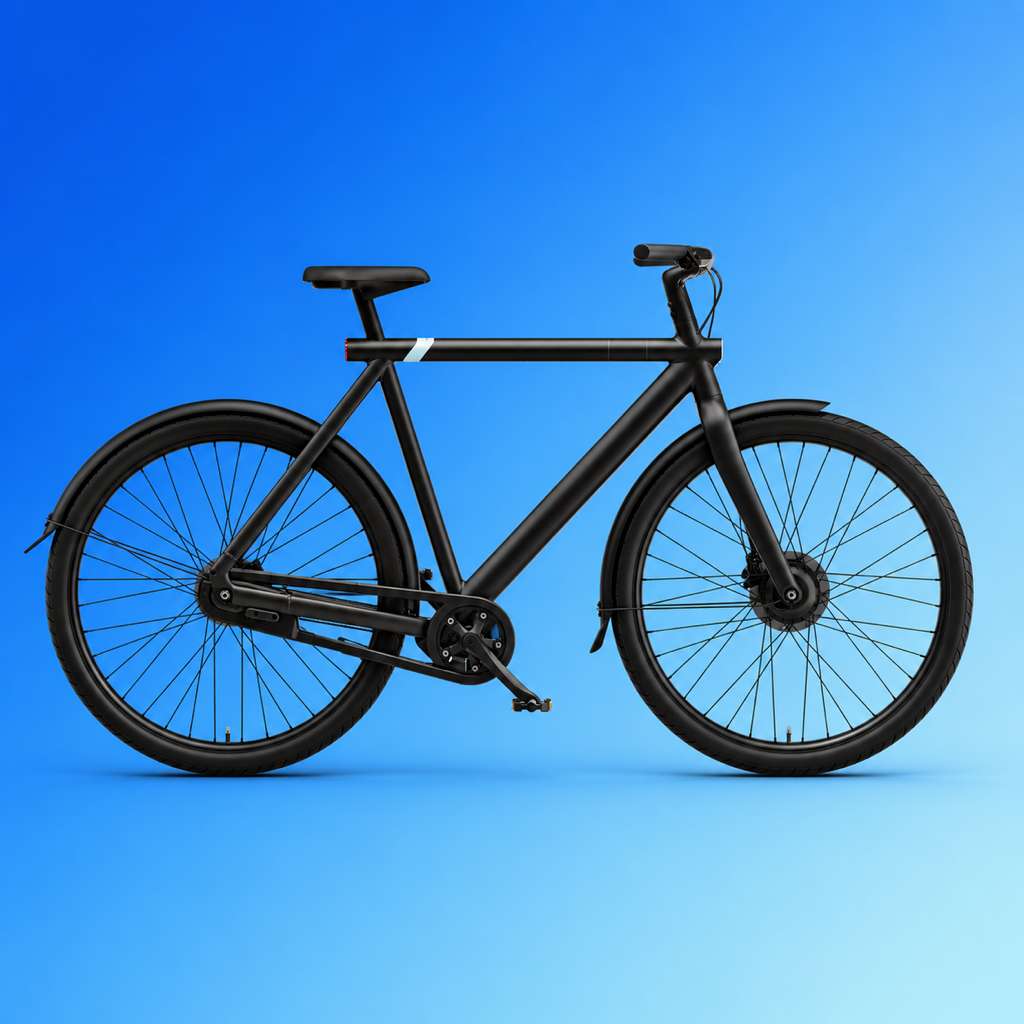
A glance. Then go.
Check your bike from your Home or Lock Screen. Last-known battery stays useful when you’re out of range.
Independent app. Made for VanMoof riders.
The everyday controls you need. The bike insights you’ve been missing. Meet MoofHub, your independent VanMoof companion for iPhone.
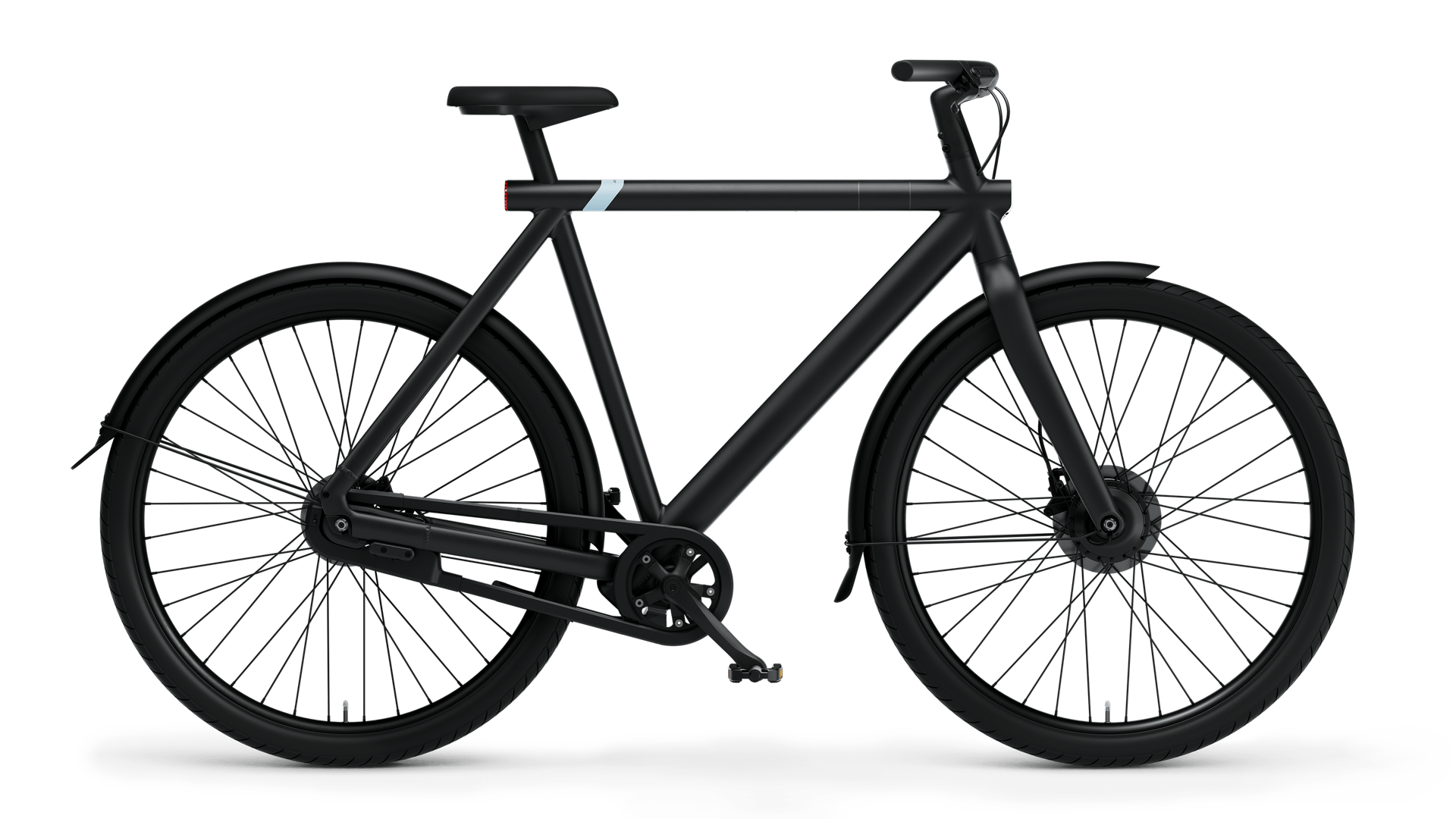
01A little more connected
From the first battery check to the ride home. The useful things, brought together in one thoughtfully made app.
Interactive illustration. Example data, not a live bike connection.
Check your bike from your Home or Lock Screen. Last-known battery stays useful when you’re out of range.
Optional Touch Unlock for S3/X3. Press the bike’s physical button with your authorized iPhone nearby.
Assistance, lights, shifting and bell settings. Your everyday preferences, right where you need them.
02Less guessing. More understanding.
Your bike has a lot to tell you. MoofHub helps you read the signals, understand error codes and keep track of the care it needs.
Explore the diagnostics previewSee which values are current and which were last seen.
Understand the code before deciding what comes next.
Keep maintenance notes and completed service checklists together.
Insights help you understand your bike. They don’t replace a mechanic’s inspection.
03Find your fit
MoofHub’s core experience is built around the S3 and X3. Newer generations have their own compatibility journey.
Bike controls, detailed diagnostics, ride tracking, widgets and optional Touch Unlock.
Beta software. Real-bike testing is ongoing; feature availability depends on bike firmware and permissions.
Connection and status are being validated. Control writes are restricted.
Compatibility is still pending. Full support is not available yet.
Email Casper with your bike model, iPhone details and the email address you’d like to use for TestFlight.
Email your requestCasper reviews each request. If approved, you’ll receive a personal TestFlight invitation by email. Requesting access does not enroll you automatically.
After approval, follow your invitation to install MoofHub. Sign in inside the app, get close to your bike and set up Bluetooth.
04Good questions
A few things worth knowing about the app, the beta and your bike.
Email Casper for beta requests, support or other questions. Existing testers can also send feedback from MoofHub’s page in TestFlight.
casper@vkempen.euMoofHub is an independent app for VanMoof riders. It is not made, sponsored or endorsed by VanMoof. VanMoof and its model names belong to their respective owner.
MoofHub is currently an invitation-only beta. Email Casper to request access. Every request is reviewed individually; only approved people receive a personal TestFlight invitation. The website does not grant beta access automatically.
Request accessYou can import your bikes from your VanMoof account without being near them. Bluetooth setup, live readings and bike controls need the bike within range. When disconnected, supported last-known values are clearly labelled.
Automatic connection keeps a reconnect request for your authorized bike when it leaves Bluetooth range. iOS manages background activity, so Bluetooth must stay enabled. Force-quitting MoofHub stops background relaunch until you open it again. After an iPhone reboot, unlock your phone once before background features can use your bike key.
MoofHub stores imported bike keys and account tokens in the device-only iOS Keychain. Ride records stay in protected local storage. GPS recording and Apple Health integration are optional. Account sign-in contacts VanMoof, and beta distribution and feedback use Apple TestFlight.
S5/A5 hardware validation is ongoing and control writes are currently restricted. S6 and S6 Open compatibility is pending. The detailed S3/X3 features are not advertised as available for these newer generations. Check the compatibility section before joining.
Email casper@vkempen.eu for support, ideas or other questions. Existing testers can also open MoofHub in TestFlight and tap Send Beta Feedback. Include your bike model, what happened and what you expected. For safety-critical or mechanical problems, stop riding and contact a qualified bike mechanic.
A new chapter for your everyday ride.
Interested in trying MoofHub? Request an invitation. Access is reviewed and approved personally.
Request beta accessiOS 26+ · Independent app · Invitation-only beta